Public content only · No Instagram login required
Instagram Reel Downloader
Download public Instagram reels to your mobile device or computer. Paste the reel link to save high-quality MP4 videos without logging in.
This dedicated Reels downloader lets you save public Instagram reels as MP4 video files. If you find an interesting video on your feed and want to keep a copy on your local storage, just paste the link here to get the original file link without installing any software.
Fast download
Our servers extract direct links instantly for high speed file saving.
Multi device
Works perfectly on iPhone, Android, tablets, and desktop browsers.
Original quality
Saves photo JPGs and video MP4s in their highest official resolution.
Privacy safe
No account signup or social logins required. Completely anonymous.
How to download from Instagram
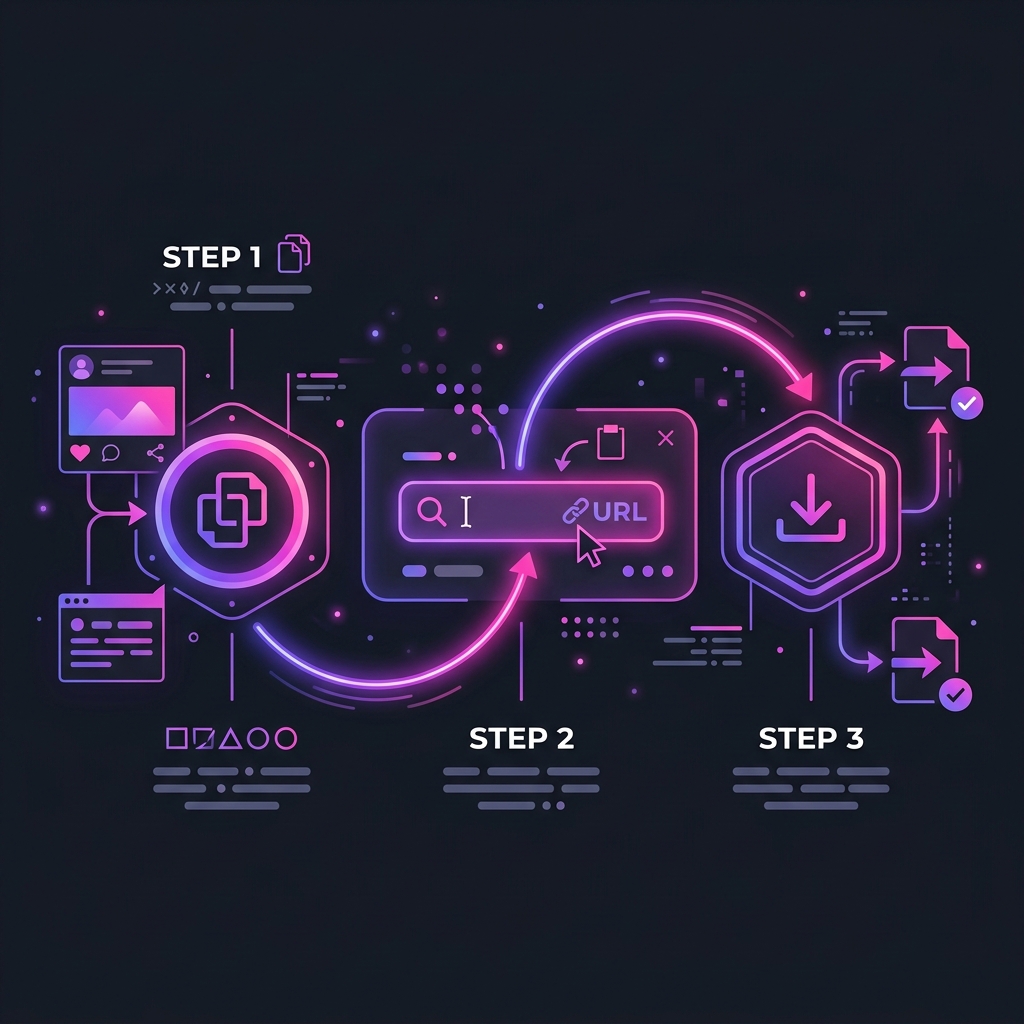
Open your Instagram app, play the reel you want to save, tap the share icon, and copy the link
Go back to this page and paste the link into the search box above
Click the download button to start extracting the video stream
Click the download button below the preview card to save the MP4 video to your phone or computer
What you can download
Public Reels videos in standard MP4 format
High definition cover thumbnails and caption descriptions
Creator details and original audio credits
What you cannot download
Reels uploaded by private accounts since they require approved follower permissions
Videos that have been deleted or archived by the author
Direct message video shares or group restricted clips
Frequently asked questions
Will the creator know that I downloaded their Reel?
No. The requests are processed anonymously through our server proxies. Because you do not connect your personal account, no viewer footprint or notification is left for the creator.
Why does the downloaded video have no audio?
In rare cases, if the creator used a copyrighted audio track that is restricted in your region, the platform CDN may store the audio and video streams separately. This results in a silent video file. You can try other videos with standard audio.
Why does the download button open the video in a new tab instead of saving it?
This is a default behavior in some browsers, especially Safari on iOS. If the video plays in a new tab, you can tap the share icon and select save to files. On desktop, right click the video player and choose save video as.
Why does the parsing fail on certain Reel links?
This happens if the video belongs to a private profile, or if the link contains too many tracking parameters. Try removing the extra query parameters after the main reel path and submit the clean link again.
Can I download all reels from a profile at once?
The free tier only supports downloading one video at a time. If you need to back up an entire profile or download multiple reels in a single batch, our Premium plan offers batch parsing and zip compression.
User Reviews & Ratings
Based on recent anonymous feedback from global users
"Best reel downloader by far. The audio extraction works flawlessly on my Android tablet, and files save in original quality."
"Extracted the exact HD video file. No watermarks like other download tools. Saved me tons of time for offline video reference."
"Fast downloading, but sometimes you have to retry if the server load is high. Still much better than recording your phone screen."